
How to Create a Logo for Your Business Before Ordering Branded Merchandise
Learn how to create a logo ready for branded merchandise in Australia. Tips on formats, colours, and working with suppliers.

Written by
Rani Gupta
Branding & Customisation
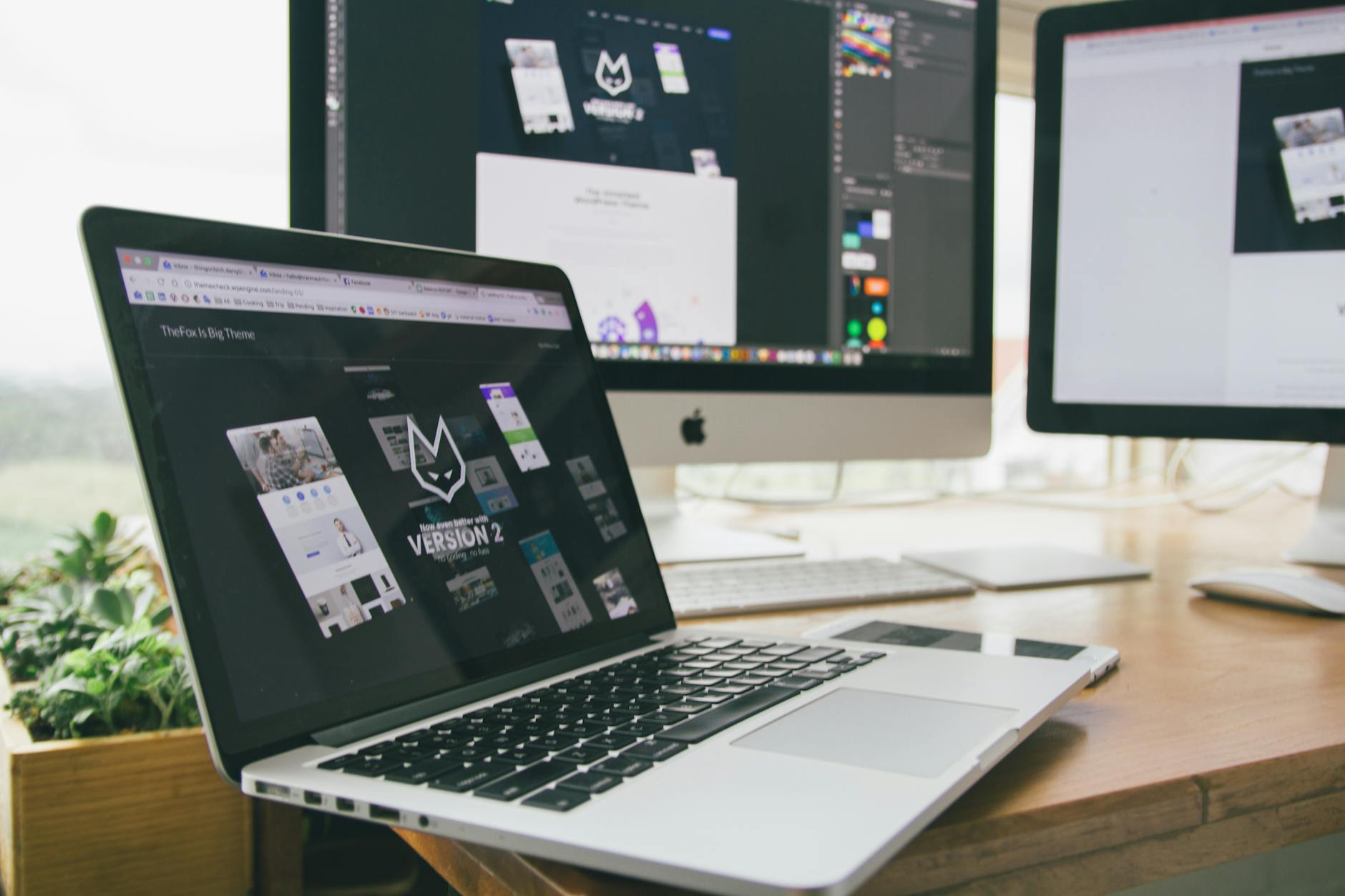
Getting your logo right before ordering branded merchandise is one of the most important — and most overlooked — steps in the entire process. Whether you’re a Sydney startup gearing up for your first trade show, a Brisbane corporate team ordering end-of-year gifts, or a Melbourne event organiser sourcing conference bags, the quality and format of your logo will directly affect the quality of your finished products. Many businesses turn to a logo maker or logo creator tool to get started, only to discover too late that the files produced aren’t always suitable for professional merchandise decoration. This guide walks you through everything you need to know about creating a logo that works beautifully across promotional products — from the design tools available to the file formats your decorator actually needs.
Why Your Logo Matters More Than You Think for Branded Merchandise
Your logo is the foundation of every piece of branded merchandise you’ll ever order. It appears on your custom drinkware for brand awareness campaigns, your hi-vis vests for Perth worksites, your yoga mats for corporate wellness programs, and everything in between. A well-prepared logo ensures consistent, professional results across all of these products.
The challenge? Many business owners — particularly those at the early stages of building their brand — haven’t invested in professional graphic design yet. This is where online logo maker and logo creator tools have become incredibly popular. They’re fast, relatively affordable, and require no design experience. But they come with limitations that can cause real headaches when it comes time to order merchandise in bulk.
The Core Problem with Logo Creator Tools
Most browser-based logo creator tools produce raster files — typically JPG or PNG — at relatively low resolution. These formats are fine for websites and social media, but they’re poorly suited to professional decoration methods like embroidery, screen printing, and laser engraving. When a decorator tries to enlarge a low-resolution raster image to fit a hoodie back or a tote bag, the result is a pixelated, blurry mess.
That said, this doesn’t mean you should avoid logo maker tools altogether. Some of the better platforms do offer vector export options, and with the right know-how, you can absolutely use these tools as a starting point. The key is understanding what you need from the final files.
Understanding File Formats: What Decorators Actually Need
Before you finalise any logo — whether you’ve created it yourself using a logo creator or worked with a professional designer — you need to understand the difference between raster and vector files.
Raster vs Vector: A Quick Explanation
Raster files (JPG, PNG, GIF, BMP) are made up of pixels. They look sharp at a fixed size but become blurry when scaled up. They’re common outputs from logo maker tools and are useful for digital applications, but they’re often inadequate for merchandise decoration.
Vector files (AI, EPS, SVG, PDF) are made up of mathematical paths, meaning they scale infinitely without any loss of quality. A vector logo can be printed on a business card or a banner at an event in Canberra with identical, crisp results at any size. This is the format professional screen printers, embroiderers, laser engravers, and pad printers prefer.
When you’re ordering something like promotional keyrings for kitchenware brands with a small logo or promotional footballs for outdoor corporate events with a large chest print, the decoration method and print area will vary enormously — and your vector logo needs to be adaptable enough to work across all of them.
Which Format to Request
Always ask your logo creator tool or designer to supply:
- AI or EPS file — the gold standard for professional decorators
- SVG file — a useful open-format vector for digital use and some decoration workflows
- High-resolution PNG (300dpi or above) with transparent background — acceptable for some digital print applications
- PDF vector — useful as a universal shareable format
If you’ve used an online logo maker and only received a JPG or a low-resolution PNG, contact the platform’s support to ask about vector downloads. Many premium tiers offer this option.
Choosing the Right Logo Maker or Logo Creator Tool
Not all logo creation platforms are created equal, so it’s worth spending a few minutes evaluating your options before committing to a design.
What to Look For in a Logo Creator
When assessing any logo maker tool for business use, prioritise the following:
Vector export capability — This is non-negotiable for merchandise. If the platform only exports low-resolution rasters, look elsewhere or budget for a conversion.
Colour customisation with PANTONE or PMS matching — Many decoration methods, particularly screen printing, rely on PMS (Pantone Matching System) colours to achieve consistent results across different products and suppliers. Check whether the logo creator allows you to assign or note specific PMS values.
Font licensing — If your logo uses a custom typeface, confirm that you own a commercial licence for that font. Some logo maker tools use proprietary fonts that are only licensed for use within that platform, which can create legal and technical issues when a decorator needs to modify your artwork.
Separation of logo elements — A good logo file will keep your icon, wordmark, and tagline as separate, editable elements. This gives decorators flexibility when adapting your logo for different print areas.
Free vs Paid Tools
There are plenty of free logo maker and logo creator platforms available. Free tiers often produce reasonable designs but tend to lock vector files behind a paid subscription. Given that a proper vector export is essential for merchandise, this is usually a cost worth paying. Even a one-off payment for a high-quality vector download will save you far more in reprints, artwork adjustment fees, and delays down the track.
For businesses ordering large quantities — say, a Melbourne council running a promotional products campaign for government departments — the investment in professional logo design or proper vector files is simply part of responsible budget planning.
Preparing Your Logo for Different Decoration Methods
Even with a perfect vector file in hand, it’s worth understanding how different decoration methods interact with your logo design. This knowledge will save you from artwork surprises and help you design smarter from the start.
Screen Printing
Screen printing suits bold, flat-colour logos. Each colour in your design requires a separate screen, so logos with more than four or five colours can become expensive at lower quantities. If you’re ordering stubby holders or custom apparel for a large corporate event, simplifying your logo’s colour palette can significantly reduce per-unit cost without sacrificing quality.
Embroidery
Embroidery works beautifully on polos, caps, hoodies, and workout clothing — but it has limitations. Very fine lines, small text, and complex gradients don’t translate well into thread. Your embroiderer will convert your logo into a digital “stitch file” (DST or EMB format), a process called digitising. A clean, well-structured vector logo makes this process much easier and produces a better result.
Laser Engraving
Laser engraving suits single-colour logos etched into metal, wood, or glass. If you’re ordering branded cutting boards as housewarming gifts or upcycled corporate gifts with engraved finishes, a clean vector silhouette of your logo — without gradients or multiple colours — will engrave beautifully.
Sublimation and Digital Printing
Sublimation and digital print methods are far more forgiving of complex, full-colour designs. These processes can handle photographic imagery and gradients, making them suitable for products like promotional yoga mats and branded apparel with detailed artwork.
Colour Considerations: PMS Matching and Colour Consistency
One of the most common frustrations businesses experience when ordering branded merchandise is receiving products where the logo colour doesn’t match their brand. This usually comes down to colour format confusion.
RGB colours are designed for screens. CMYK colours are used in standard offset and digital printing. PMS (Pantone) colours are physical ink standards used to ensure colour consistency across different suppliers and products.
When you use a logo maker or logo creator to design your brand identity, colours are typically defined in RGB or HEX values. These are fine for digital use, but when you’re ordering products like eco-friendly recycled promotional items or reusable beeswax wraps for health food stores with your logo, your supplier will need the PMS equivalent to match your brand colour accurately.
Ask your designer or use a PMS conversion tool to identify the closest Pantone swatch to your logo colours. Document these PMS values in a simple brand style guide — even a one-page document noting your logo colours, fonts, and clearspace rules will make every future merchandise order easier to manage.
Practical Tips for Ordering Merchandise Once Your Logo Is Ready
With your logo files sorted, here are a few practical reminders as you move into the ordering phase:
- Always approve a digital proof before bulk production. Most decorators will provide a proof showing your logo’s size, placement, and colour on the product. Check it carefully.
- Order a physical sample for large runs. For significant orders — think work Christmas gifts for a large corporate team or merchandise for a State of Origin branded event — a pre-production sample is worth the small additional cost.
- Check minimum order quantities (MOQs) against your logo complexity. Some decoration methods have lower minimum quantities but higher setup fees; others are more cost-effective at larger volumes.
- Allow adequate lead time. Standard turnaround times for decorated merchandise in Australia typically range from 10 to 15 business days after proof approval, with rush options available at a premium.
- Keep your files organised. Create a folder with all logo variants (full colour, reversed, single colour, black), all file formats, and your brand guidelines. Share this folder with your merchandise supplier at the start of each project.
For practical inspiration on how branded merchandise performs across different campaigns, our Australian promotional products survey results offer valuable data on what resonates most with recipients.
Conclusion: Key Takeaways
Creating or refining your logo using a logo maker or logo creator tool is a perfectly valid starting point — as long as you understand the file format and colour requirements that professional merchandise decoration demands. Here’s a summary of the most important things to remember:
- Always obtain vector files (AI, EPS, or SVG) from your logo creator — raster-only files will limit your decoration options and quality
- Identify your PMS colour values to ensure brand colour consistency across all merchandise orders
- Understand your decoration method before finalising your logo design — screen printing favours simple flat colours, embroidery requires clean shapes, and laser engraving works best with silhouette-style marks
- Invest in a brand style guide, even a simple one, to streamline every future branded merchandise order
- Allow adequate lead time and always approve a proof before bulk production to avoid costly mistakes
With your logo properly prepared, the world of branded merchandise becomes far more straightforward — and the results far more impressive.